Employee Area
For any ICT problems or requests, please email servicedesk@calico.org.uk or phone 01282 686355.
Password Reset
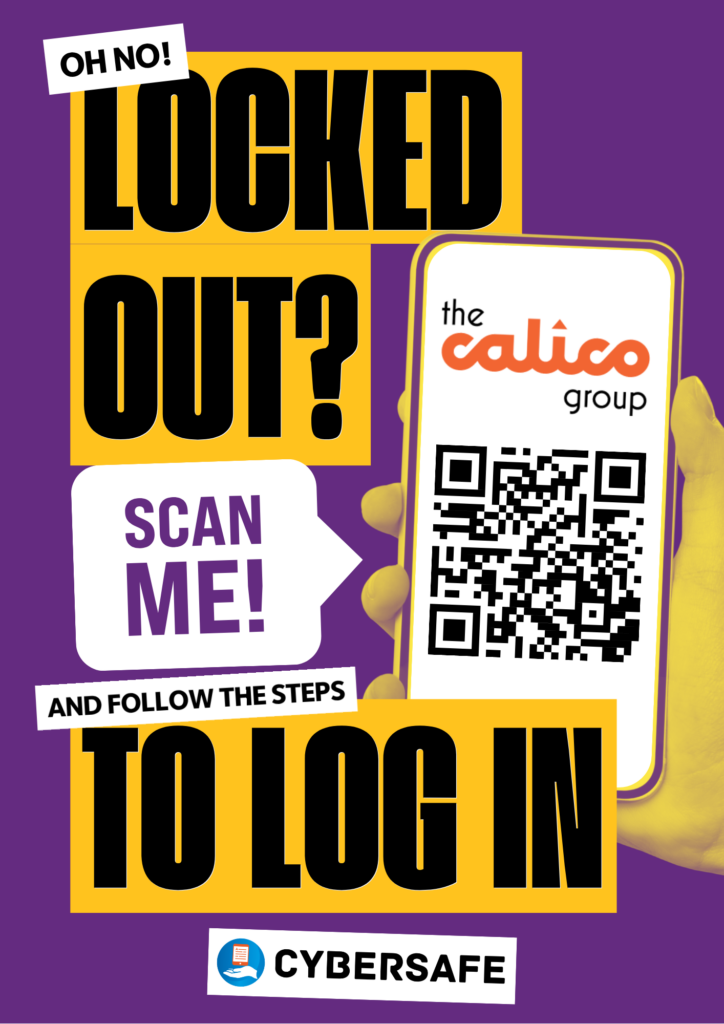
To reset your password, click here or scan the QR code below.
Access our Intranet from out of the office
Go to calicogroup.sharepoint.com/sites/CalicoIntranet – when asked for login details, enter your Calico email address and password. You will then need to go through the multi-factor authentication (MFA) process.
AVD Remote Access
Login by launching the Windows App – if you are unable to locate, type in Windows App in your Search Bar
You can download the Windows App from the Microsoft, Apple and Google Play stores.
Tip – Once downloaded pin to your task bar or start menu for easy access next time. If you need, watch the short video on Campus Online to set up and access AVD – it takes less than 2 minutes.
WebMail
If you need to access your email (known as WebMail) whilst you are away from the office, please click on the link below. You will then need to go through the multi-factor authentication process. To save time, add it to your favourites.
Convene
This system is used for Board reports. Click on the link below to access. You will then need to go through the multi-factor authentication process.
https://calico-uk.azeusconvene.com/jsp/ge/ge01.jsp
iTrent Myzone/MyPeople
To access this, click here. You will then need to go through the multi-factor authentication process.
For managers, please use this link instead.